Download Android App
APK Version 1.3 • Direct download
Installation Steps
Follow these simple steps to install the app

Step 1
Download APK file, locate it in your Downloads folder
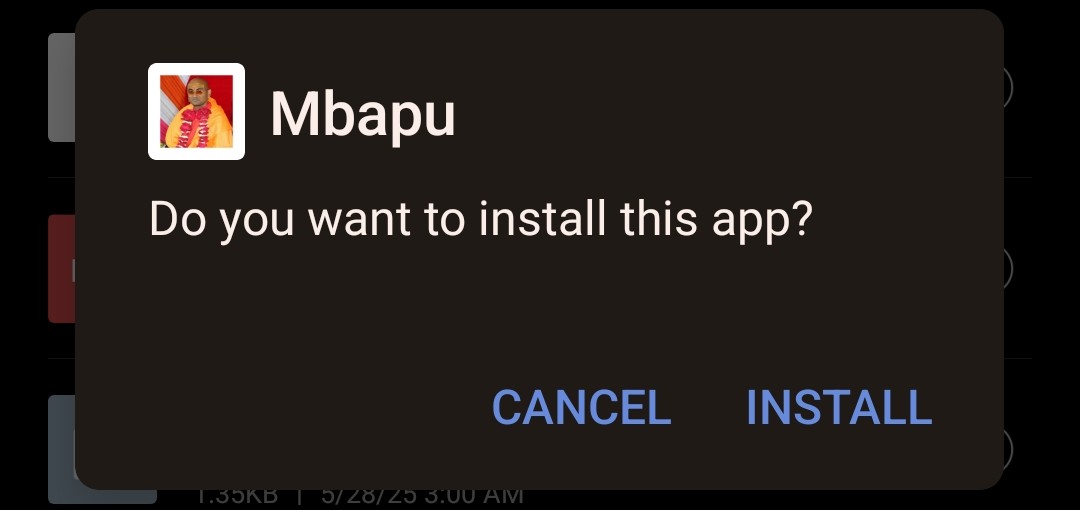
Step 2
Tap on Install button
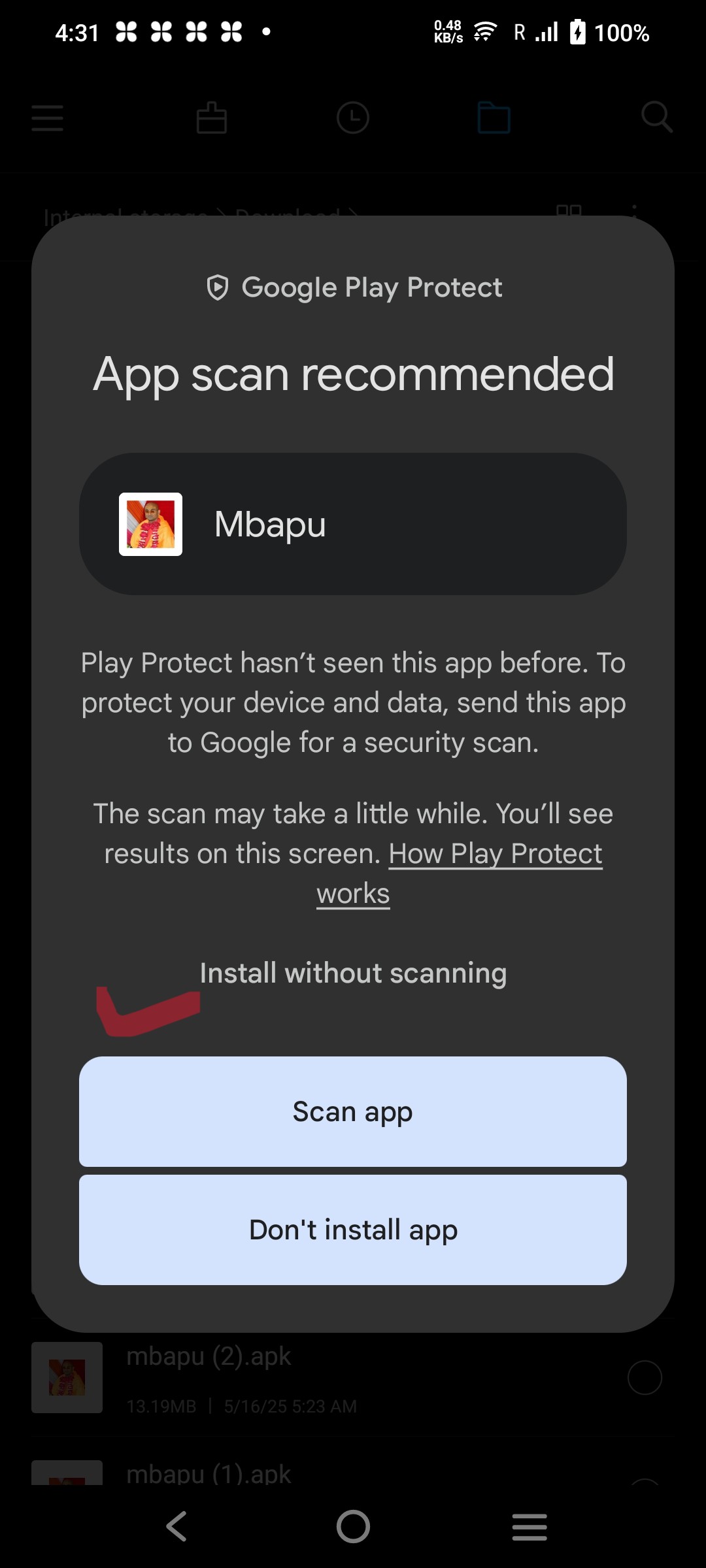
Step 3
Allow installation from unknown sources, tap Install Without Scanning
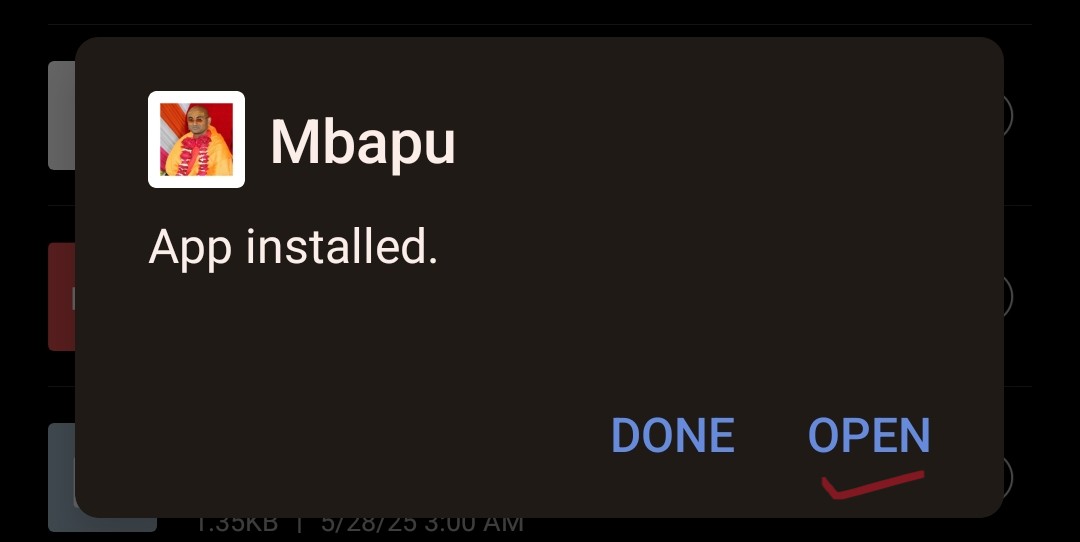
Step 4
Wait for installation to complete
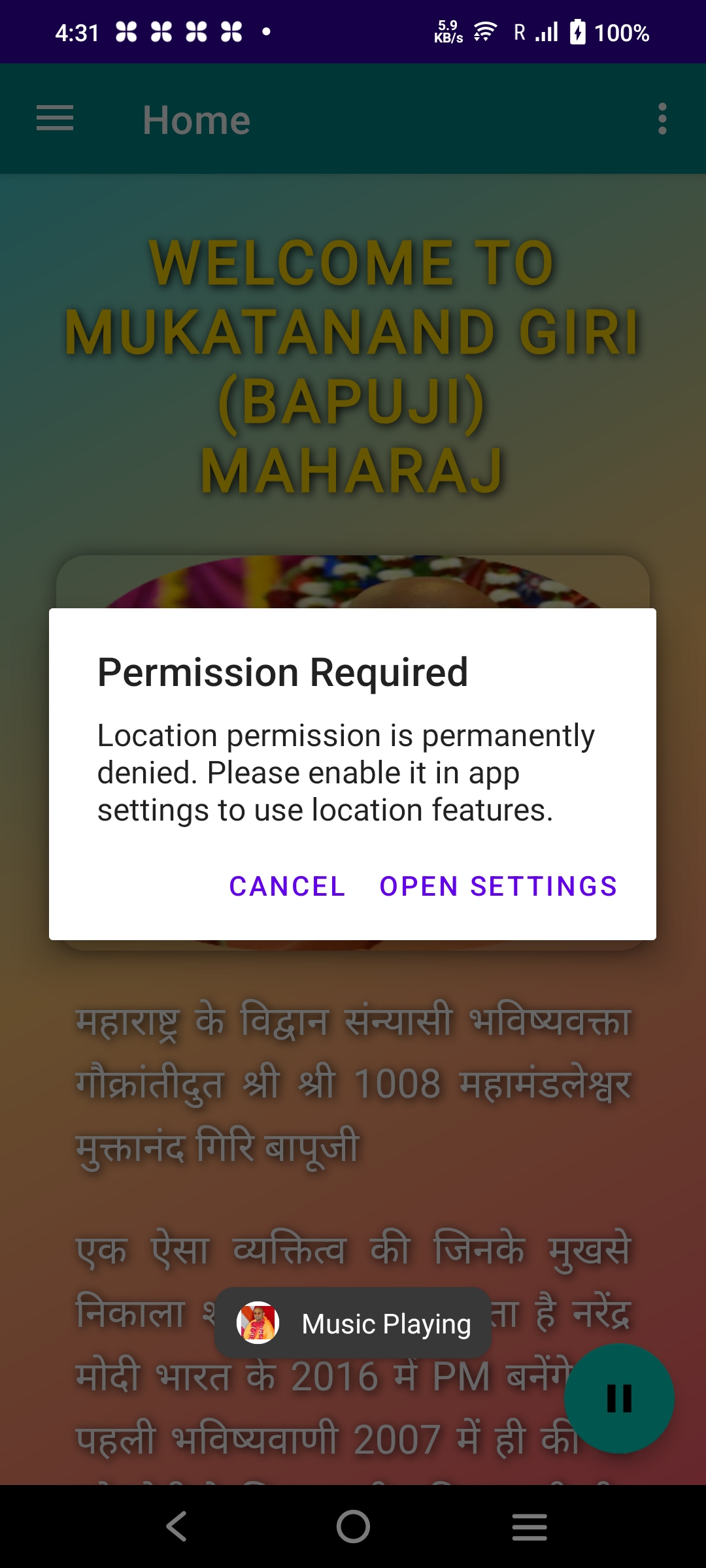
Step 5
Installation in progress
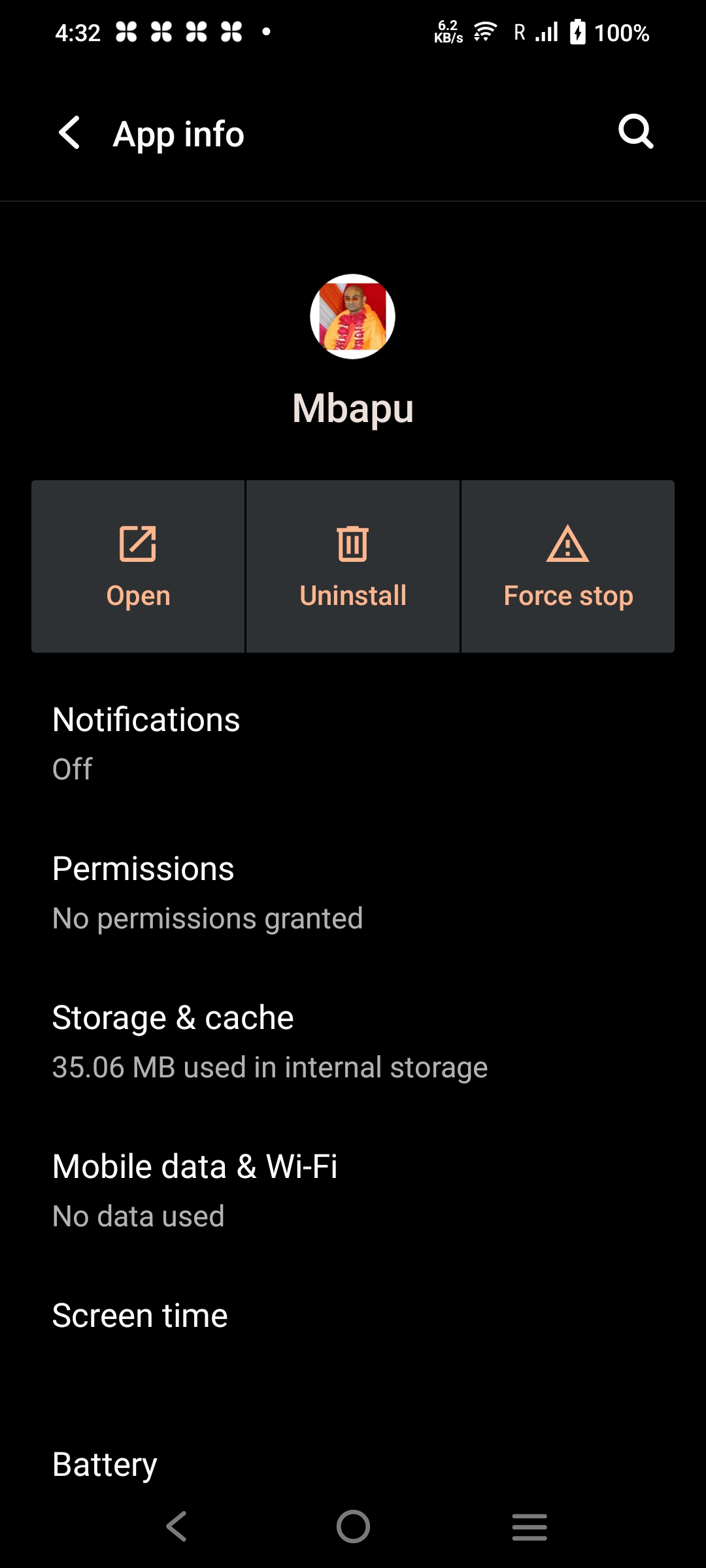
Step 6
App installed successfully
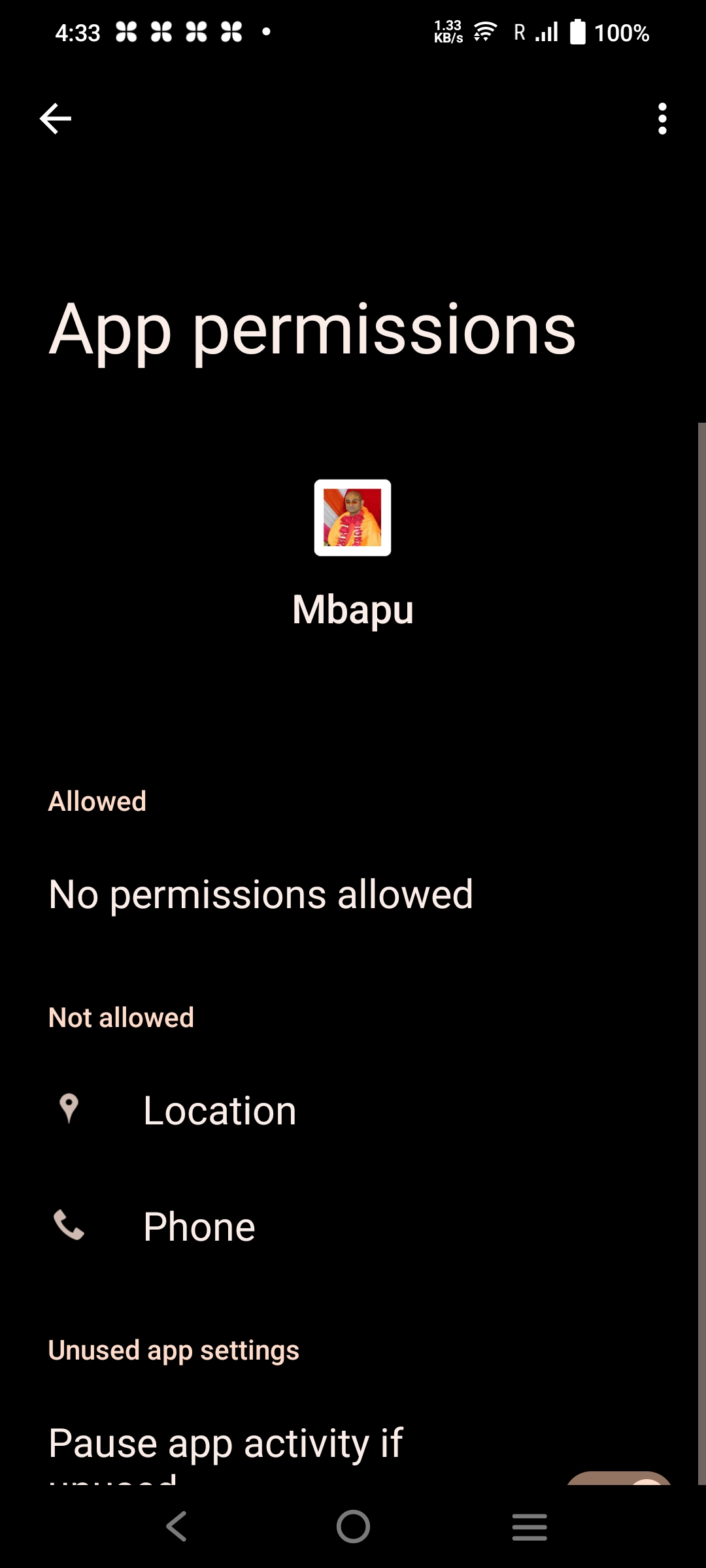
Step 7
Open the app
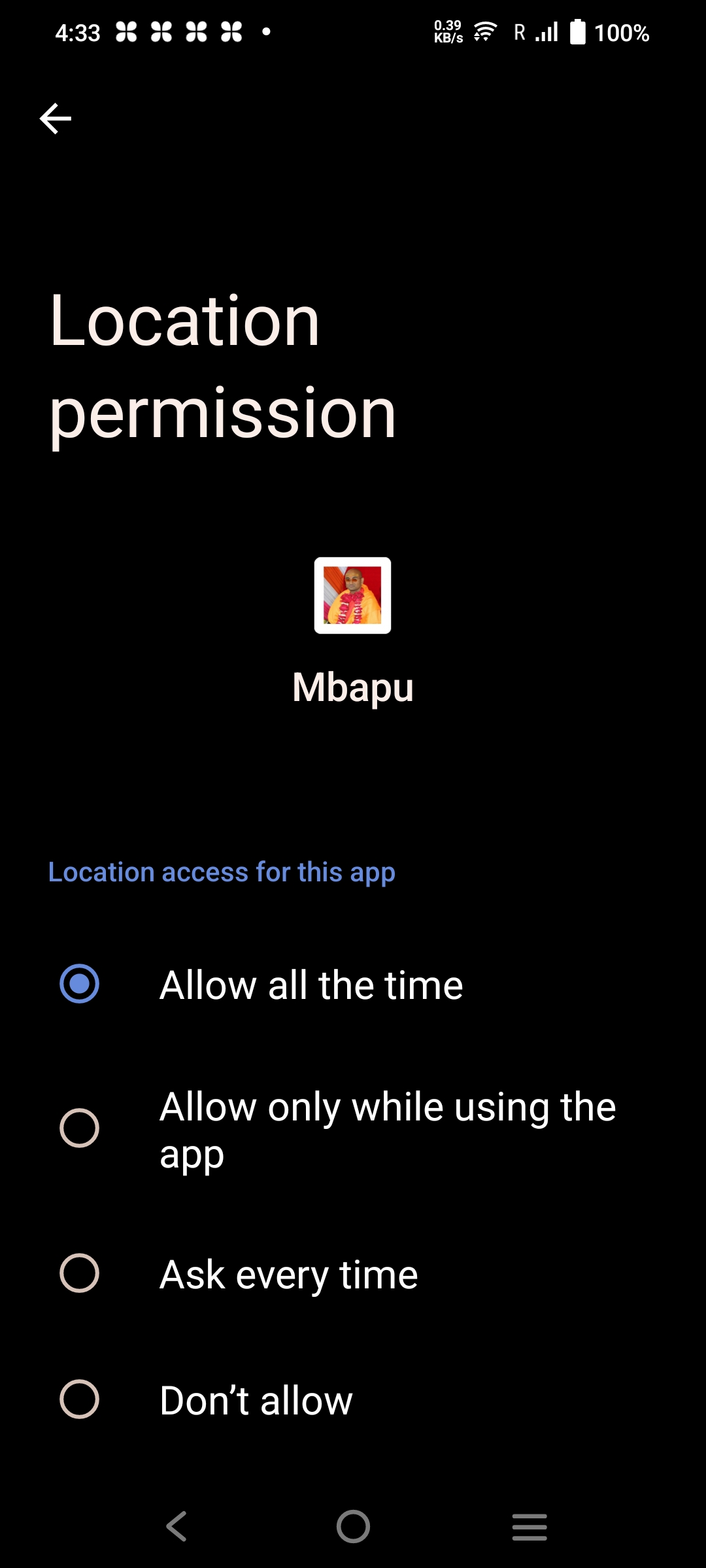
Step 8
Allow required permissions
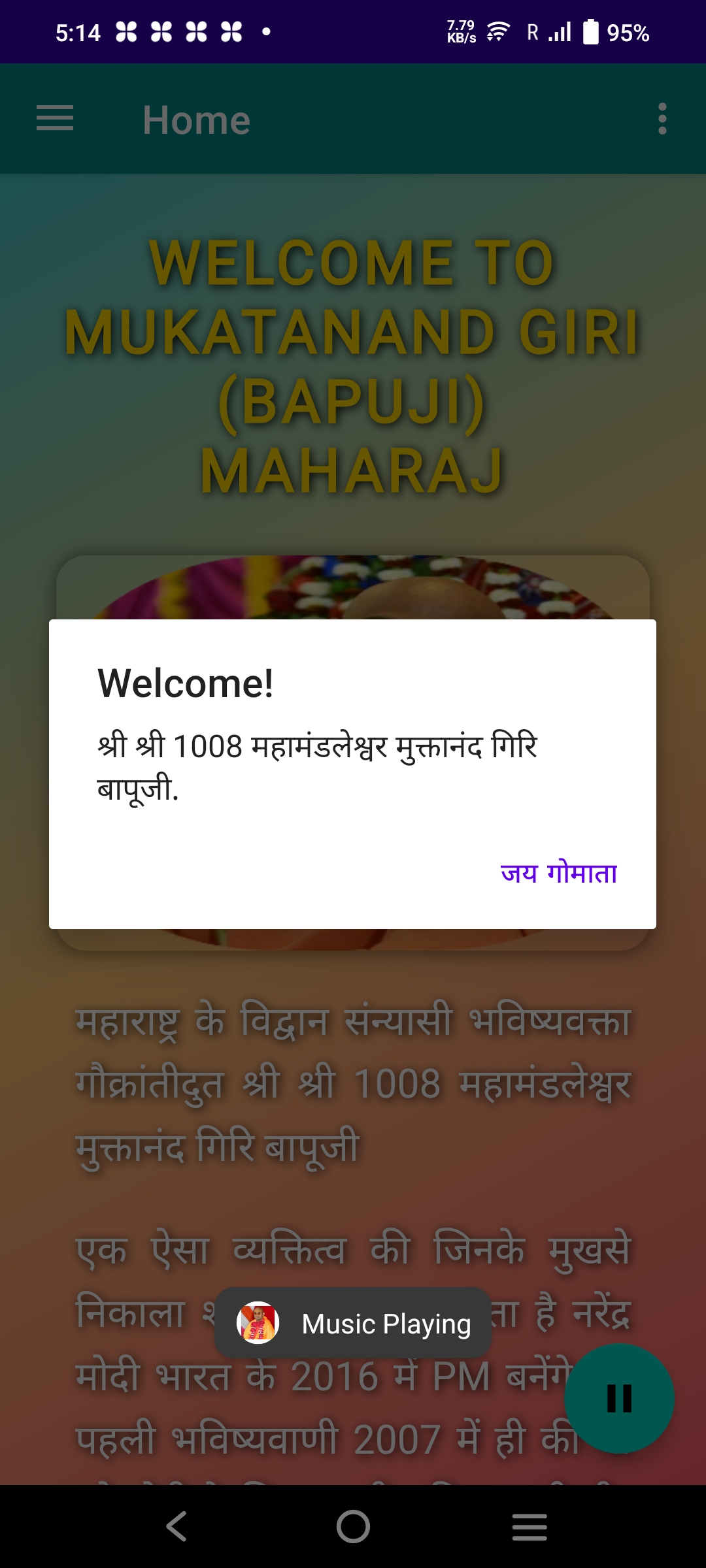
Step 9
App ready to use
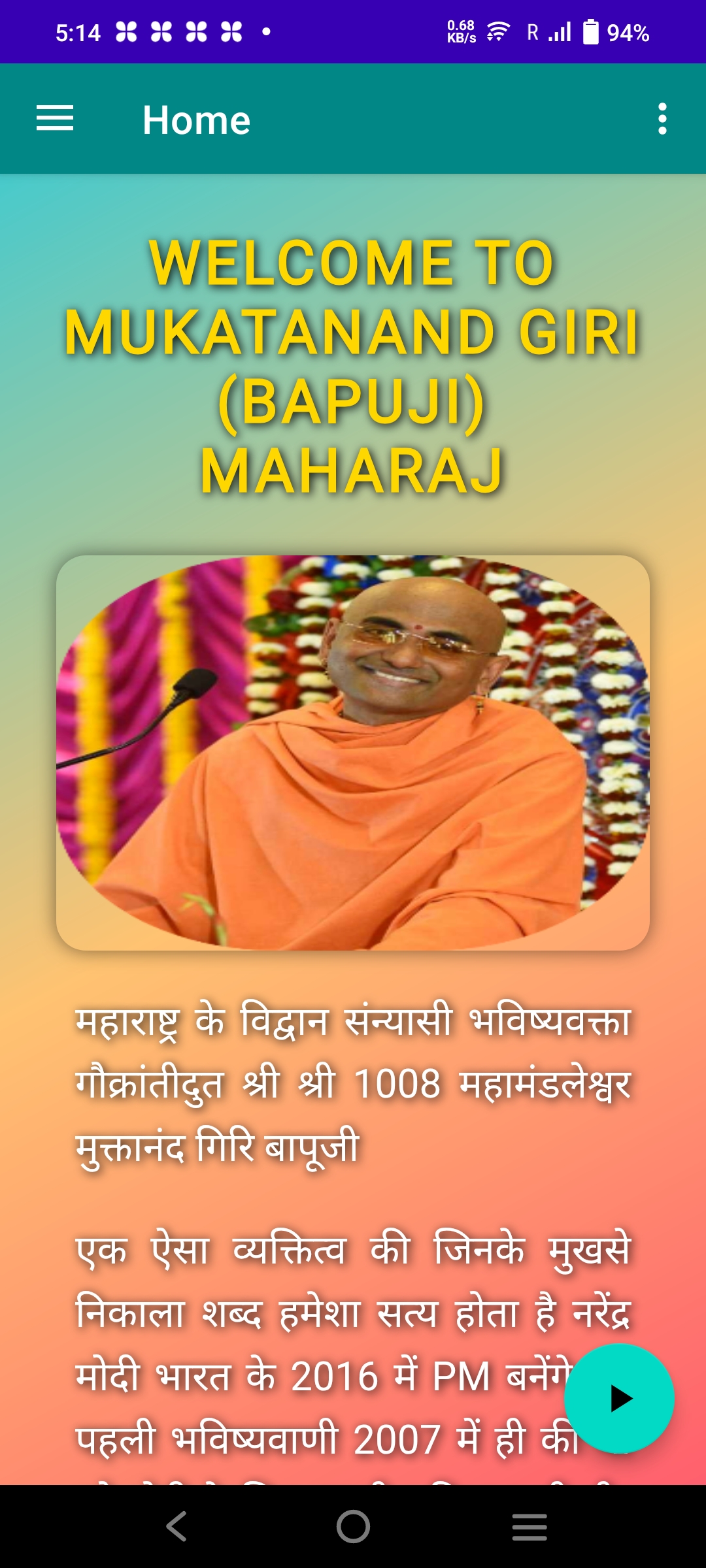
Step 10
Explore spiritual content on the go!